Define and enforce naming policies for Atlas Cloud repositories, ensuring consistent naming conventions across your organization.
As teams scale and the number of Atlas Cloud repositories grows, maintaining consistent naming conventions becomes critical for discoverability and organization. Repository Rules let you define naming policies that are enforced whenever a new repository is created, ensuring every repository follows your team's conventions from day one.
How It Works
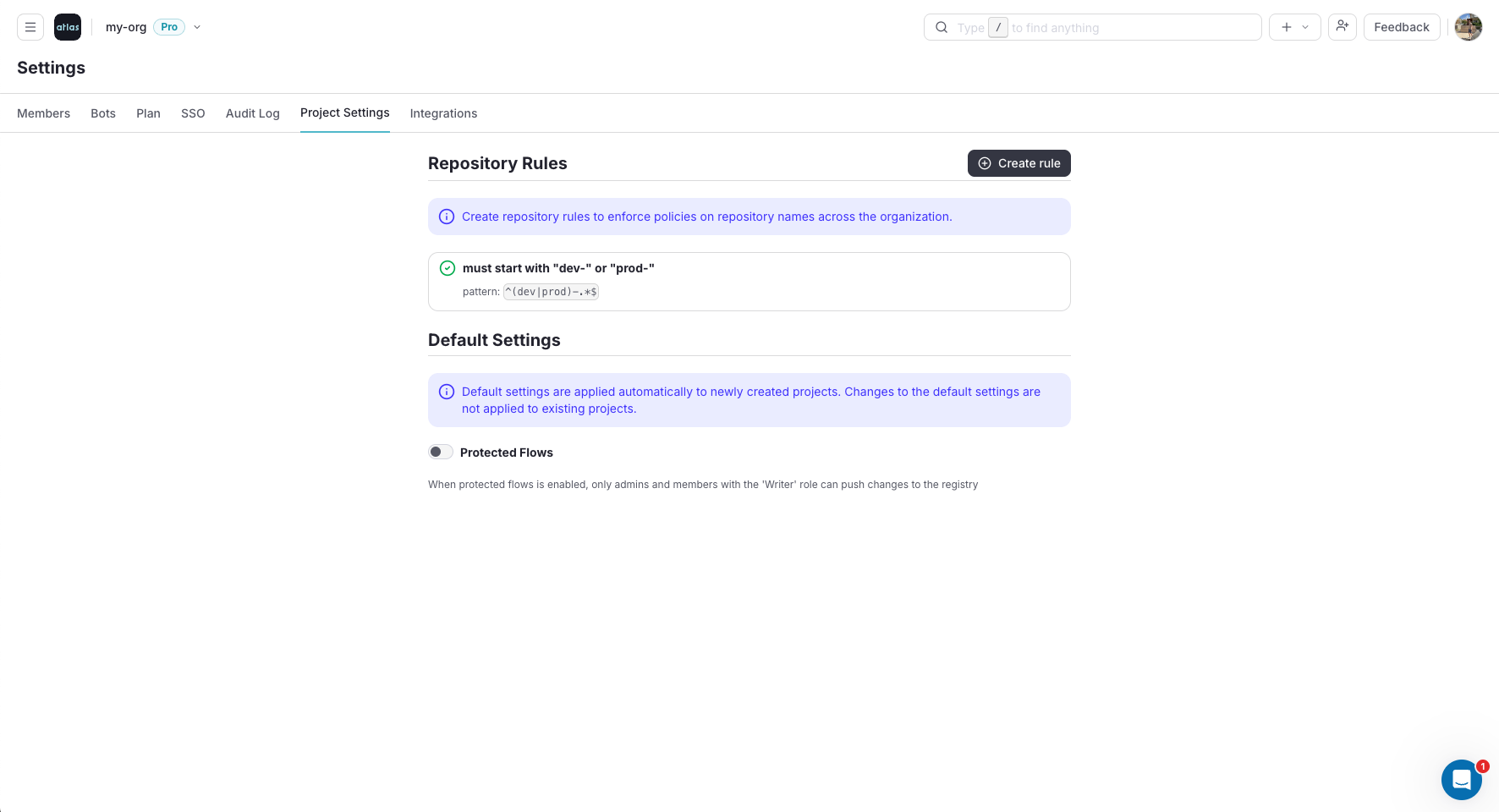
Organization admins can configure repository rules from the Atlas Cloud settings. Rules are defined as naming patterns that all new repository names must match. When a user attempts to create a repository with a name that doesn't conform to the policy, the operation is rejected with a descriptive error message.
Getting Started
- Navigate to your organization's Settings page in Atlas Cloud
- Open the Repository Settings tab
- Define your naming policy pattern (e.g.,
team-*orservice/env/*) - Save the rule - it will be enforced on all new repositories going forward