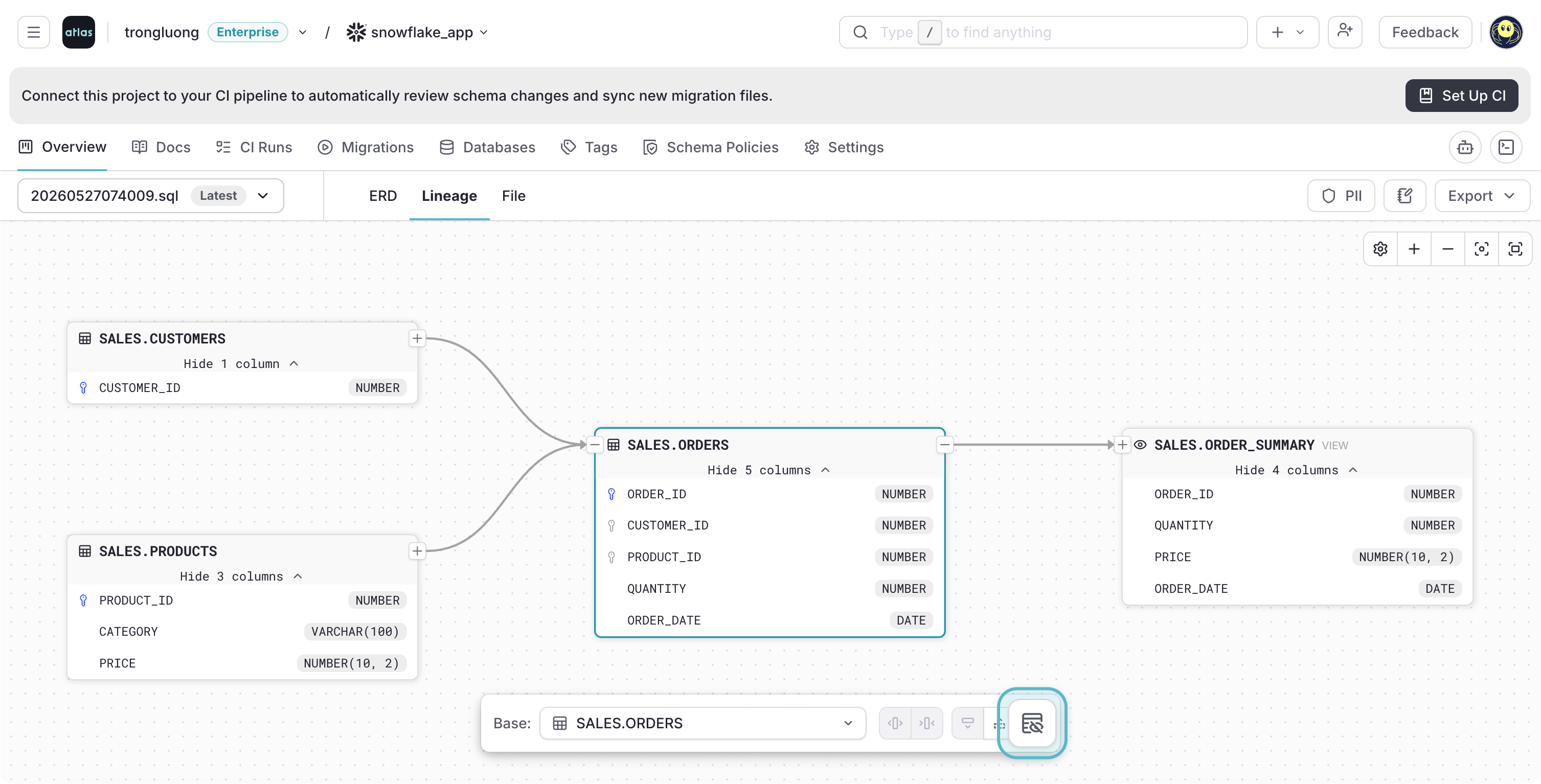
Lineage nodes now expose quick actions for expanding, collapsing, and toggling columns across related nodes, and display non-lineage columns alongside lineage columns for a more complete view of each object.
Each lineage node displays both lineage and non-lineage columns, with non-lineage columns shown in lighter, duller colors so they are easy to tell apart. When a node is selected, a set of quick actions lets you interact with the node and its related nodes directly from the graph.
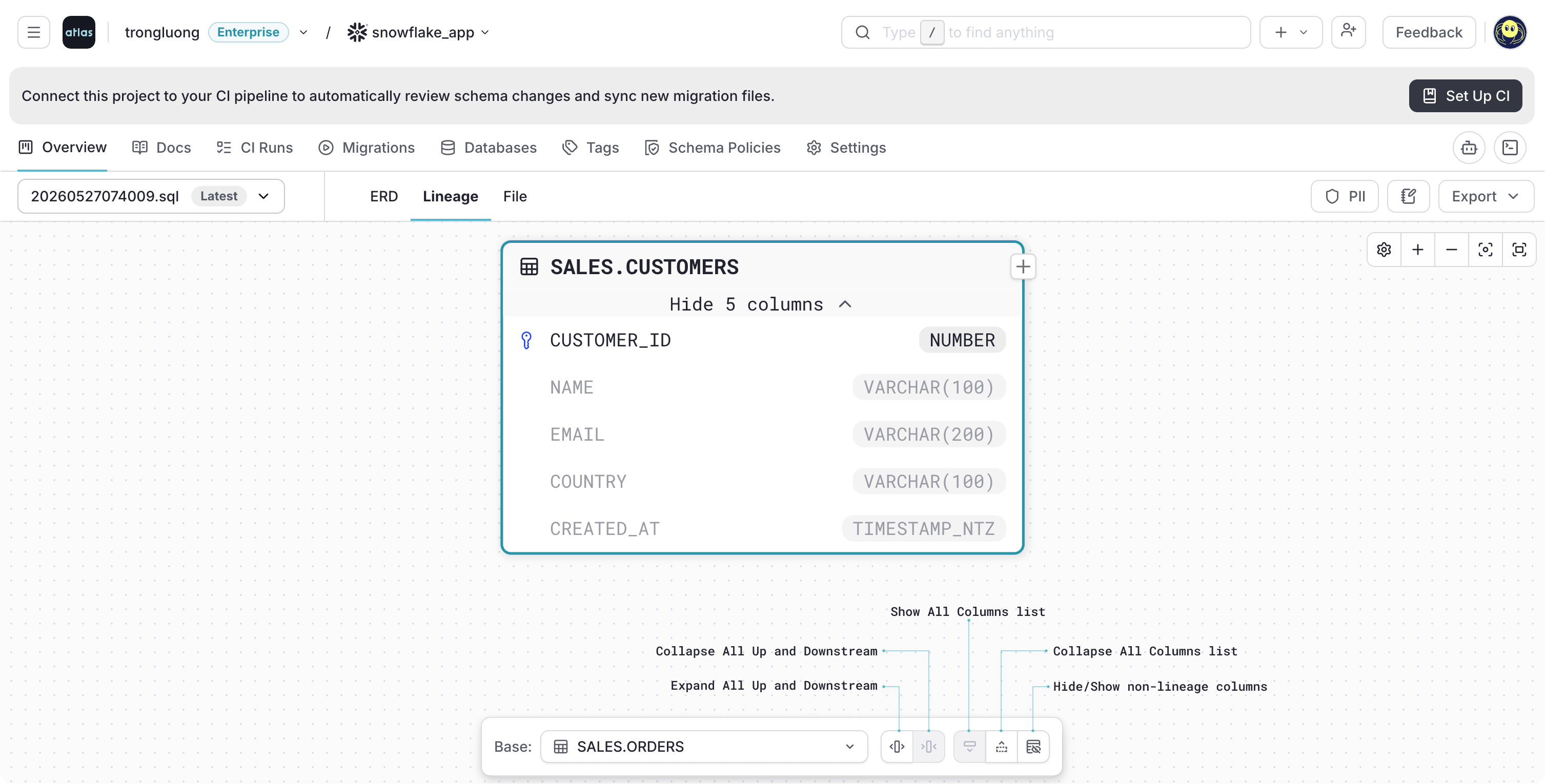
Expand & Collapse Related Nodes
Expand all upstream and downstream nodes to see the full set of relationships for the selected node, or collapse them to focus on the node on its own.
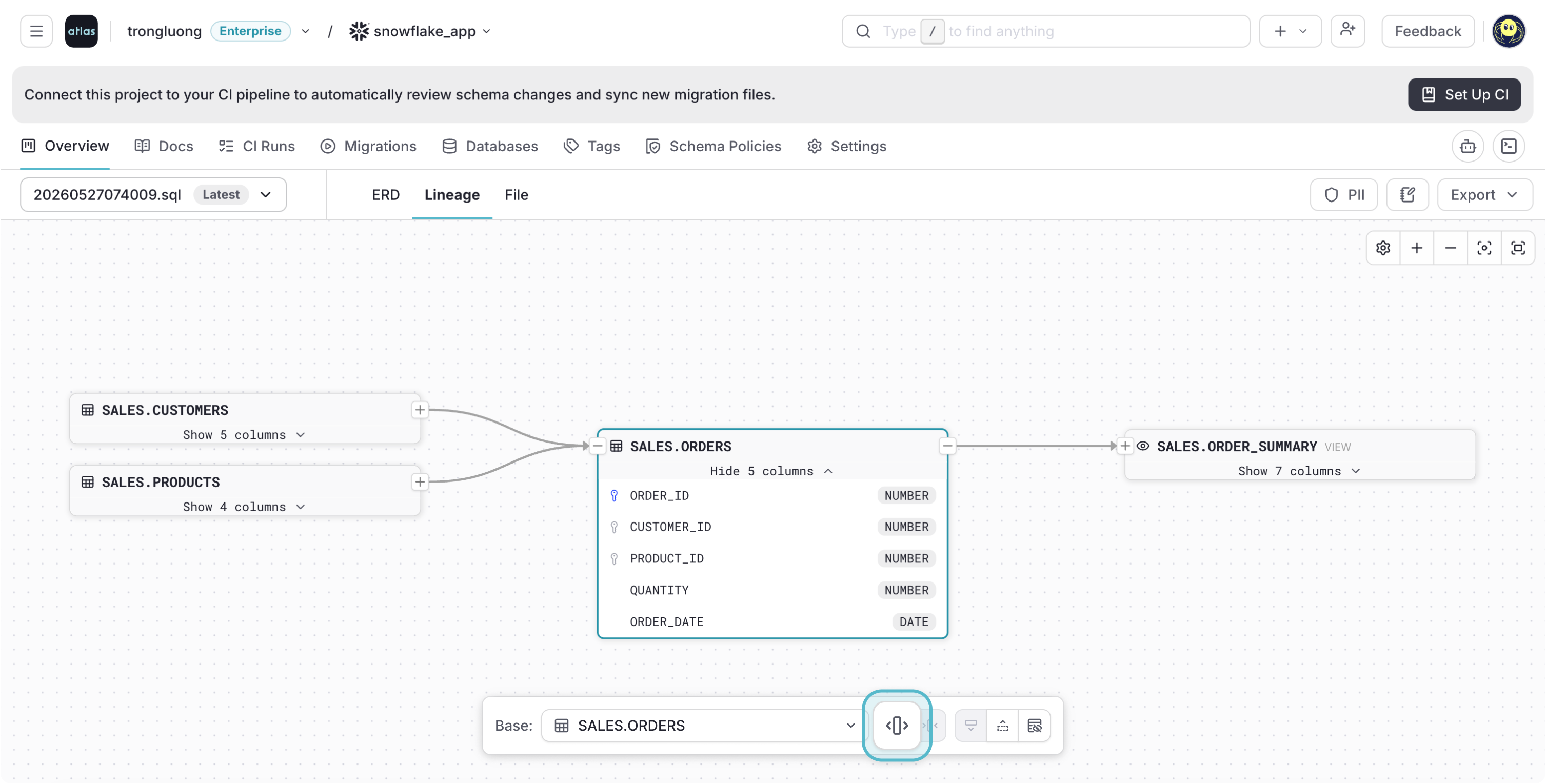
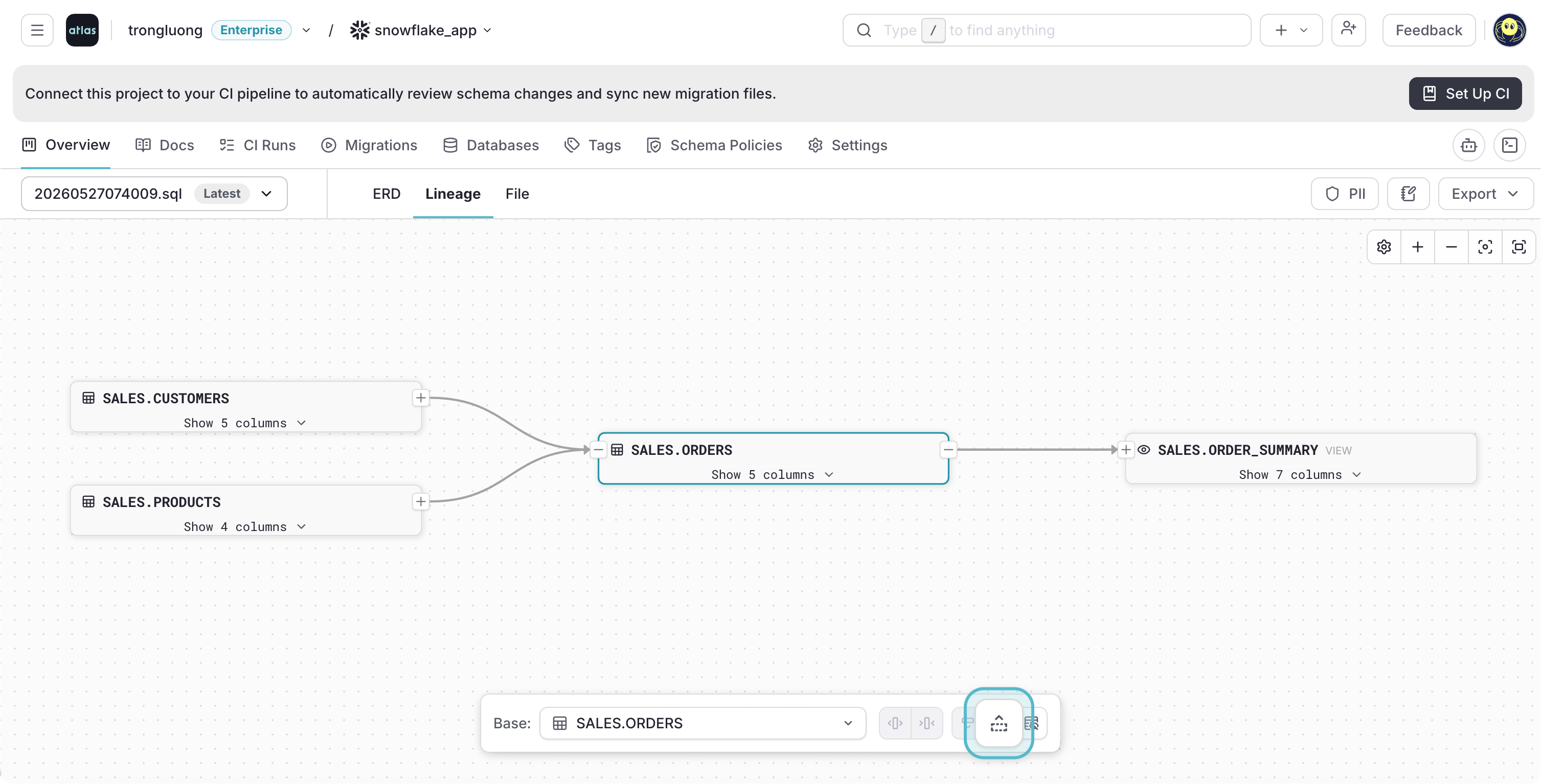
Show & Hide All Columns
Toggle the visibility of every column on the selected node and its related nodes at once, making it easy to switch between a high-level overview and a detailed inspection.
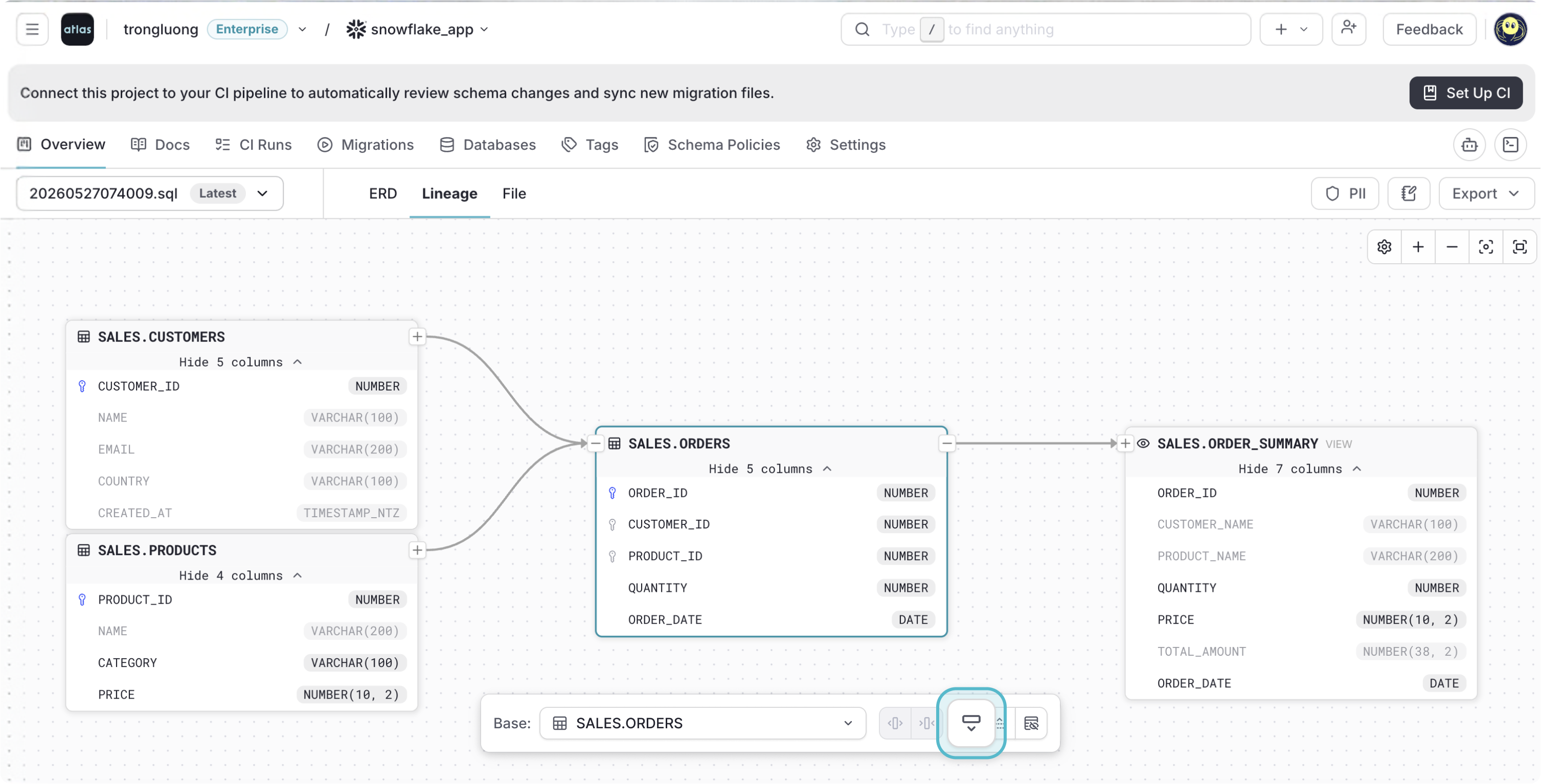
Show & Hide Non-Lineage Columns
Hide non-lineage columns across the selected node and its related nodes to concentrate on the lineage path, or show them again for the full picture. Lineage columns are unaffected.
To learn more, see the Column-Level Data Lineage documentation.